โซลูชัน CAD ที่ยืดหยุ่น ปรับให้เหมาะกับงานของคุณ
เลือกแพ็กเกจตามขนาดทีมและความซับซ้อนของโปรเจกต์ พร้อมรองรับไฟล์ DWG ที่คุณใช้งานอยู่
เลือกแพ็กเกจที่เหมาะกับคุณ
เปรียบเทียบฟีเจอร์สำคัญของแต่ละแพ็กเกจในตารางด้านล่าง เพื่อเลือกเวอร์ชันที่เหมาะกับทีมและงบประมาณของคุณ
เลือกแพ็กเกจที่เหมาะกับคุณ
ข้อมูลอัปเดตจากฐานข้อมูล สามารถปรับในหลังบ้านได้ทันที
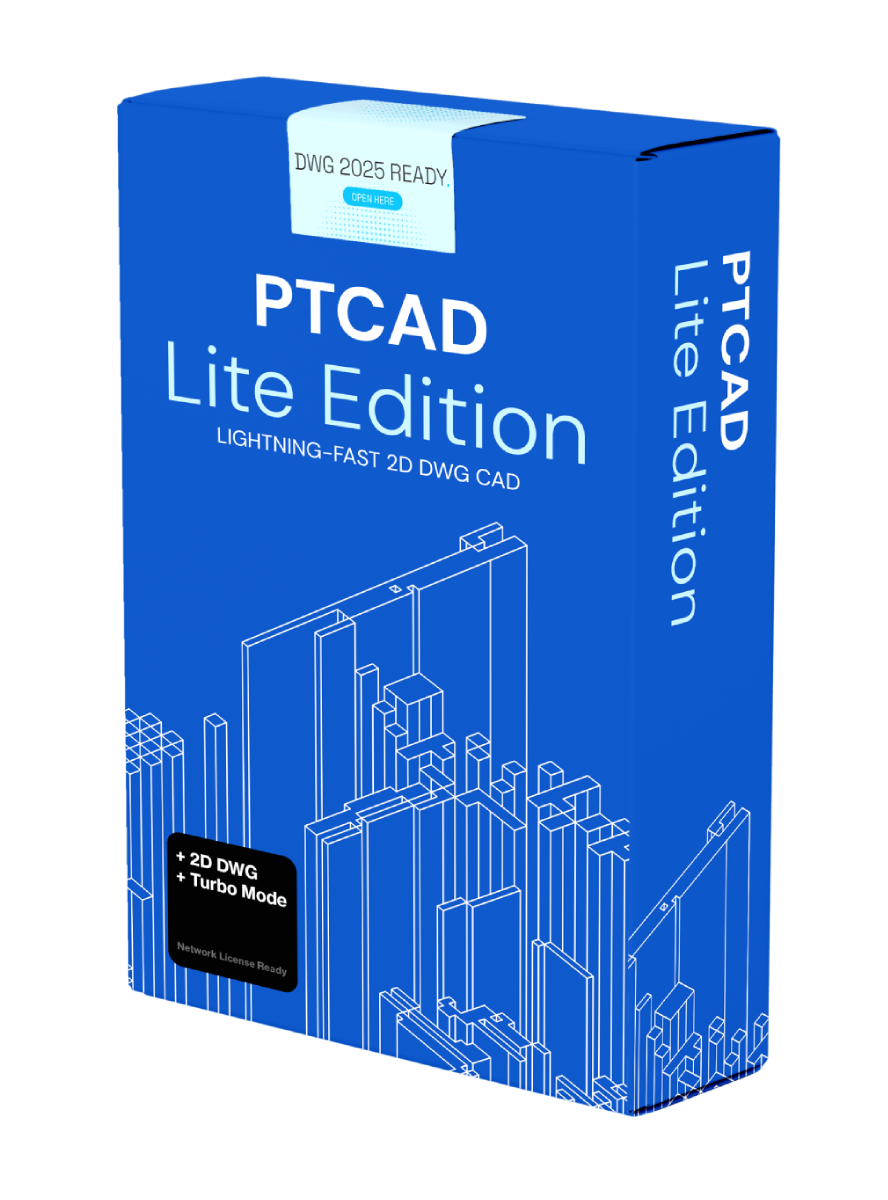
PTCAD Lite
2D DWG / โจทย์การพัฒนาผลิตภัณฑ์ของ PTCAD
- รองรับไฟล์ DWG / DXF
- เครื่องมือ 2D ครบสำหรับงานพื้นฐาน
- ไลเซนส์ 1 ผู้ใช้
- ติดตั้งง่าย ใช้งานเบา
- อัปเดตฟีเจอร์รายไตรมาส
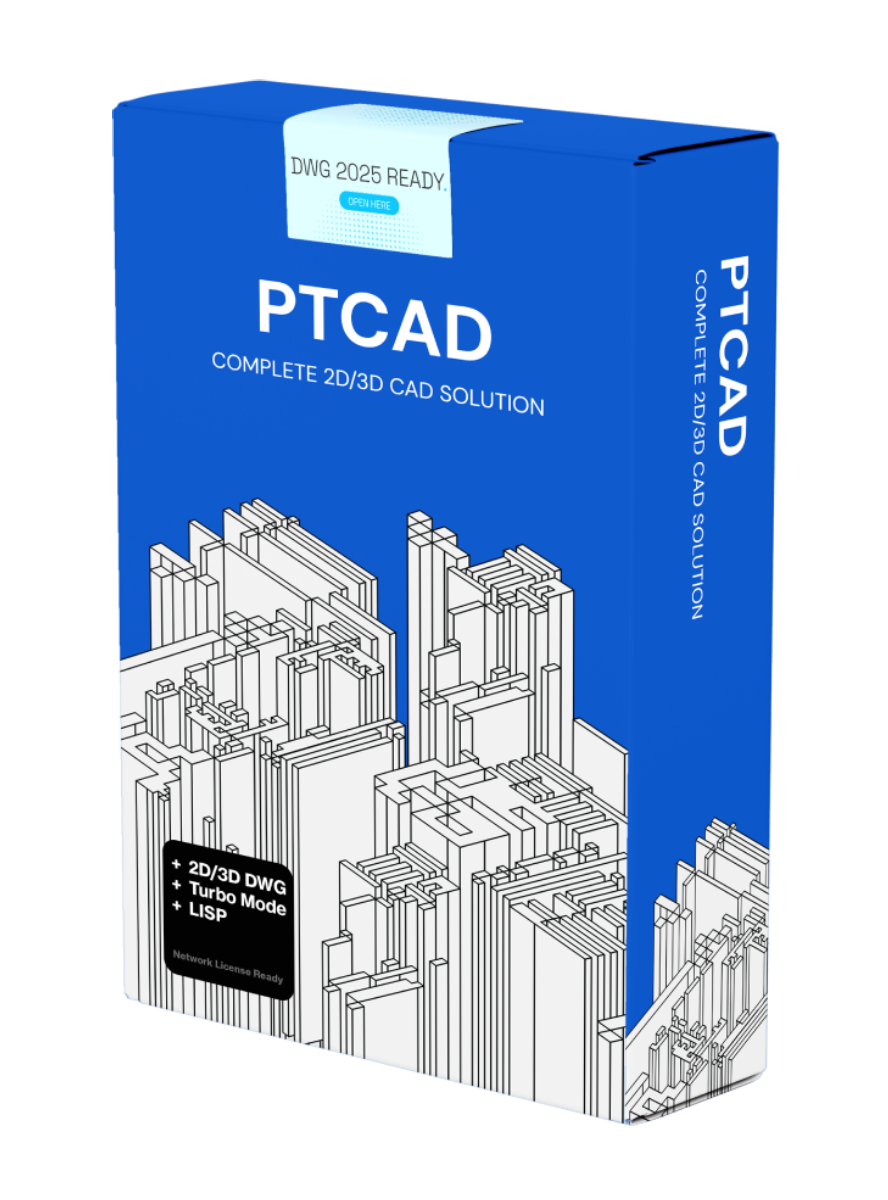
PTCAD Standard
เหมาะสำหรับทีมขนาดเล็กที่ต้องการความคุ้มค่าและฟีเจอร์ครบ
- รวมทุกอย่างจาก Lite
- เครื่องมือ 3D ขั้นพื้นฐาน
- ไลเซนส์หลายผู้ใช้ (ทีมขนาดเล็ก)
- ซัพพอร์ตภายใน 24 ชม.
- ใช้งานเชิงพาณิชย์ได้เต็มรูปแบบ
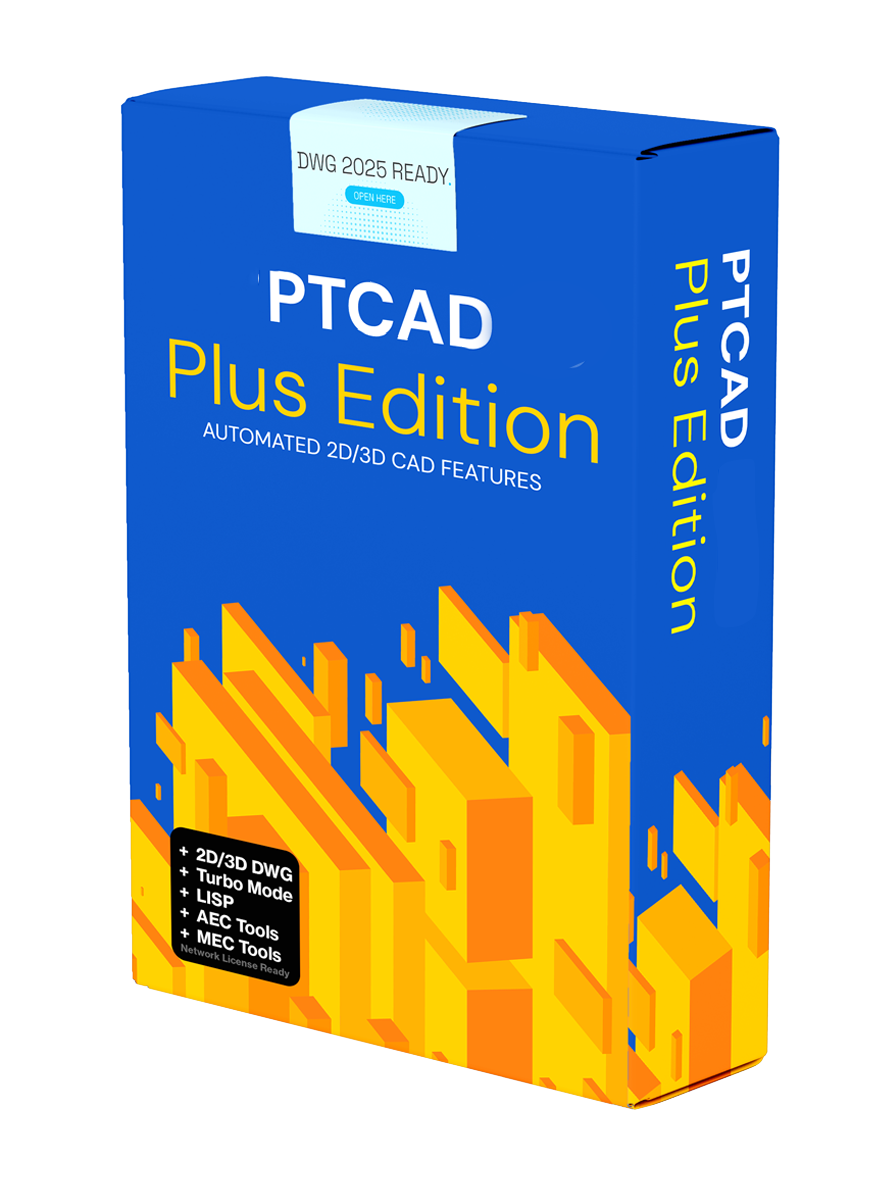
PTCAD Plus
เหมาะสำหรับองค์กรที่ต้องการความสามารถครบและซัพพอร์ตระดับมืออาชีพ
- รวมทุกอย่างจาก Standard
- เครื่องมือ 3D ขั้นสูงและงานเรนเดอร์
- ไลเซนส์หลายผู้ใช้และจัดการสิทธิ์
- การทำงานเป็นทีมและระบบซิงก์ไฟล์
- ซัพพอร์ตเร่งด่วนและ SLA ระดับองค์กร
คำถามที่พบบ่อย
รวบรวมคำถามสั้น ๆ เพื่อช่วยให้คุณตัดสินใจได้เร็วขึ้น
แพ็กเกจไหนเหมาะกับทีมเริ่มต้น?
Lite เหมาะกับงานเขียนแบบทั่วไปและใช้งานง่ายสำหรับทีมขนาดเล็ก
ต้องการฟีเจอร์ 3D และ LISP ควรเลือกอะไร?
แนะนำ Standard หรือ Plus เพื่อรองรับงาน 3D และ AutoLISP
มี License แบบเครือข่ายไหม?
Standard และ Plus รองรับ Network License ตามตารางเปรียบเทียบด้านบน
ทดลองใช้ฟรีได้กี่วัน?
ทดลองใช้งานได้ 30 วัน และสามารถดาวน์โหลดได้ทันทีจากปุ่มด้านบน
Feature Comparison
เปรียบเทียบฟีเจอร์แบบละเอียดเพื่อเลือกแพ็กเกจที่เหมาะกับคุณ
เลือกแพ็กเกจเพื่อดูฟีเจอร์บนมือถือ
Lite
แตะเพื่อดูรายละเอียด
- Natively edit DWG and DWT files (R12 – 2025)
- Support *.dwg, *.dxf, *.dwf, *.dxb & *.dwt extensions
- 2D Drawing and Annotation
- Auto Dimension
- Layer (Properties Manager, Filter, Isolate, Lock, Explorer)
- Print Plot and Style
- 3D DWG and Visualization —
- Network License Support —
- LISP Support (Standard AutoLISP) —
- Turbo Mode
- (New) Plug-ins Loader (2025) —
- Special Tools Set for Construction Drawing
- – Auto Gridline with Column —
- – Create Wall with Hatch —
- – Auto Draw Wall with Hatch from Lines —
- – Auto Trim when Inserting Doors, Windows —
- – Auto Land Area Calculation —
- Local Technical Support
- Subscription License
- Perpetual License
- (New) Dynamic Block / Advance Block (2025) —
- (New) Enhanced Attribute Editor (2025) —
- (NEW) QR Code (2026) —
- (NEW) EDM Support (2026) —
- (NEW) Asset Link (2026) —
- (NEW) DWG Compare (2026) —
- (NEW) DWG Smart Search (2026) —
Standard
แตะเพื่อดูรายละเอียด
- Natively edit DWG and DWT files (R12 – 2025)
- Support *.dwg, *.dxf, *.dwf, *.dxb & *.dwt extensions
- 2D Drawing and Annotation
- Auto Dimension
- Layer (Properties Manager, Filter, Isolate, Lock, Explorer)
- Print Plot and Style
- 3D DWG and Visualization
- Network License Support
- LISP Support (Standard AutoLISP)
- Turbo Mode
- (New) Plug-ins Loader (2025)
- Special Tools Set for Construction Drawing
- – Auto Gridline with Column
- – Create Wall with Hatch
- – Auto Draw Wall with Hatch from Lines
- – Auto Trim when Inserting Doors, Windows
- – Auto Land Area Calculation
- Local Technical Support
- Subscription License
- Perpetual License
- (New) Dynamic Block / Advance Block (2025)
- (New) Enhanced Attribute Editor (2025)
- (NEW) QR Code (2026)
- (NEW) EDM Support (2026)
- (NEW) Asset Link (2026)
- (NEW) DWG Compare (2026)
- (NEW) DWG Smart Search (2026)
Plus
แตะเพื่อดูรายละเอียด
- Natively edit DWG and DWT files (R12 – 2025)
- Support *.dwg, *.dxf, *.dwf, *.dxb & *.dwt extensions
- 2D Drawing and Annotation
- Auto Dimension
- Layer (Properties Manager, Filter, Isolate, Lock, Explorer)
- Print Plot and Style
- 3D DWG and Visualization
- Network License Support
- LISP Support (Standard AutoLISP)
- Turbo Mode
- (New) Plug-ins Loader (2025)
- Special Tools Set for Construction Drawing
- – Auto Gridline with Column
- – Create Wall with Hatch
- – Auto Draw Wall with Hatch from Lines
- – Auto Trim when Inserting Doors, Windows
- – Auto Land Area Calculation
- Local Technical Support
- Subscription License
- Perpetual License
- (New) Dynamic Block / Advance Block (2025)
- (New) Enhanced Attribute Editor (2025)
- (NEW) QR Code (2026)
- (NEW) EDM Support (2026)
- (NEW) Asset Link (2026)
- (NEW) DWG Compare (2026)
- (NEW) DWG Smart Search (2026)
ACAD LT
แตะเพื่อดูรายละเอียด
- Natively edit DWG and DWT files (R12 – 2025)
- Support *.dwg, *.dxf, *.dwf, *.dxb & *.dwt extensions
- 2D Drawing and Annotation
- Auto Dimension
- Layer (Properties Manager, Filter, Isolate, Lock, Explorer)
- Print Plot and Style
- 3D DWG and Visualization —
- Network License Support —
- LISP Support (Standard AutoLISP) —
- Turbo Mode —
- (New) Plug-ins Loader (2025) —
- Special Tools Set for Construction Drawing
- – Auto Gridline with Column —
- – Create Wall with Hatch —
- – Auto Draw Wall with Hatch from Lines —
- – Auto Trim when Inserting Doors, Windows —
- – Auto Land Area Calculation —
- Local Technical Support —
- Subscription License
- Perpetual License —
- (New) Dynamic Block / Advance Block (2025) —
- (New) Enhanced Attribute Editor (2025) —
- (NEW) QR Code (2026) —
- (NEW) EDM Support (2026) —
- (NEW) Asset Link (2026) —
- (NEW) DWG Compare (2026) —
- (NEW) DWG Smart Search (2026) —
ACAD Full
แตะเพื่อดูรายละเอียด
- Natively edit DWG and DWT files (R12 – 2025)
- Support *.dwg, *.dxf, *.dwf, *.dxb & *.dwt extensions
- 2D Drawing and Annotation
- Auto Dimension
- Layer (Properties Manager, Filter, Isolate, Lock, Explorer)
- Print Plot and Style
- 3D DWG and Visualization
- Network License Support
- LISP Support (Standard AutoLISP)
- Turbo Mode —
- (New) Plug-ins Loader (2025)
- Special Tools Set for Construction Drawing
- – Auto Gridline with Column —
- – Create Wall with Hatch —
- – Auto Draw Wall with Hatch from Lines —
- – Auto Trim when Inserting Doors, Windows —
- – Auto Land Area Calculation —
- Local Technical Support —
- Subscription License
- Perpetual License —
- (New) Dynamic Block / Advance Block (2025)
- (New) Enhanced Attribute Editor (2025)
- (NEW) QR Code (2026) —
- (NEW) EDM Support (2026) —
- (NEW) Asset Link (2026)
- (NEW) DWG Compare (2026) —
- (NEW) DWG Smart Search (2026) —
| Features | Lite | Standard | Plus | ACAD LT | ACAD Full |
|---|---|---|---|---|---|
| Natively edit DWG and DWT files (R12 – 2025) | |||||
| Support *.dwg, *.dxf, *.dwf, *.dxb & *.dwt extensions | |||||
| 2D Drawing and Annotation | |||||
| Auto Dimension | |||||
| Layer (Properties Manager, Filter, Isolate, Lock, Explorer) | |||||
| Print Plot and Style | |||||
| 3D DWG and Visualization | — | — | |||
| Network License Support | — | — | |||
| LISP Support (Standard AutoLISP) | — | — | |||
| Turbo Mode | — | — | |||
| (New) Plug-ins Loader (2025) | — | — | |||
| Special Tools Set for Construction Drawing | |||||
| – Auto Gridline with Column | — | — | — | ||
| – Create Wall with Hatch | — | — | — | ||
| – Auto Draw Wall with Hatch from Lines | — | — | — | ||
| – Auto Trim when Inserting Doors, Windows | — | — | — | ||
| – Auto Land Area Calculation | — | — | — | ||
| Local Technical Support | — | — | |||
| Subscription License | |||||
| Perpetual License | — | — | |||
| (New) Dynamic Block / Advance Block (2025) | — | — | |||
| (New) Enhanced Attribute Editor (2025) | — | — | |||
| (NEW) QR Code (2026) | — | — | — | ||
| (NEW) EDM Support (2026) | — | — | — | ||
| (NEW) Asset Link (2026) | — | — | |||
| (NEW) DWG Compare (2026) | — | — | — | ||
| (NEW) DWG Smart Search (2026) | — | — | — | ||
ต้องการคำปรึกษาเพิ่มเติม?
ทีมงาน PTCAD พร้อมแนะนำแพ็กเกจที่เหมาะกับธุรกิจของคุณ รวมถึงการติดตั้งและการย้ายข้อมูลจากโปรแกรมเดิม.